







Cookies help us deliver our services. By using our services, you agree to our use of cookies.



Wacom
Wacom
Displayper page
Sort by
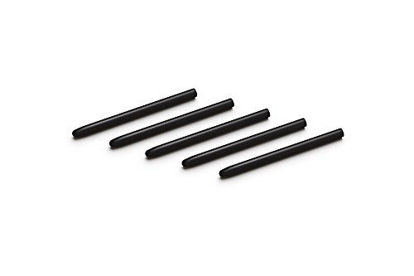
Wacom ACK20001 Standard Nibs,Black & Pistachio,Small & Medium
Compatible with Intuos4 pen, Intuos5 pen and Intuits Pro pen, grip pen, airbrush pen and classy pen | Package Dimensions: 8.89 H x 0.254 L x 6.35 W (centimetres) | Package Weight: 0.005 kilograms | Country of Origin : Japan
₹843.98
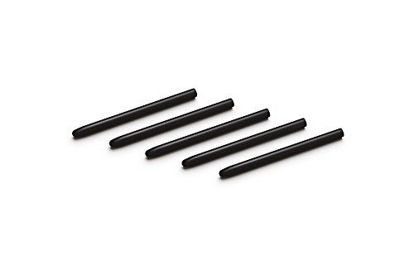
Wacom ACK20001 Standard Nibs,Black & Pistachio,Small & Medium
Compatible with Intuos4 pen, Intuos5 pen and Intuits Pro pen, grip pen, airbrush pen and classy pen | Package Dimensions: 8.89 H x 0.254 L x 6.35 W (centimetres) | Package Weight: 0.005 kilograms | Country of Origin : Japan
₹843.98
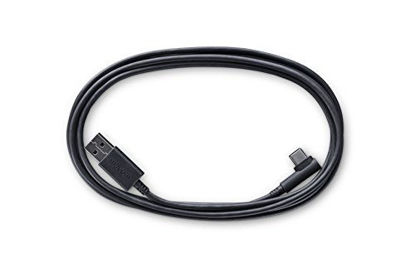
Wacom ACK42206 Intuos Pro USB Cable
Wacom USB Cable | Compatible with Wacom Intuos Pro | Part numbers PTH-660/PTH-860
₹1,866.98
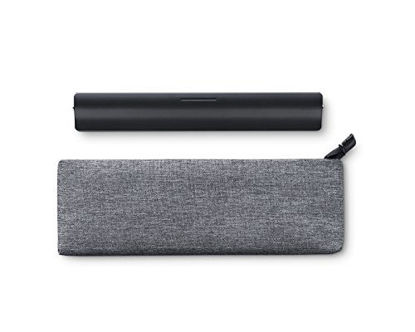
Wacom ACK42213 Paper Clip
Upgrade your Wacom Intuos Pro by applying this Paper Clip | Includes an Accessory Soft Case | Compatible with Wacom Intuos Pro PTH 660, PTH 860
₹1,999.97
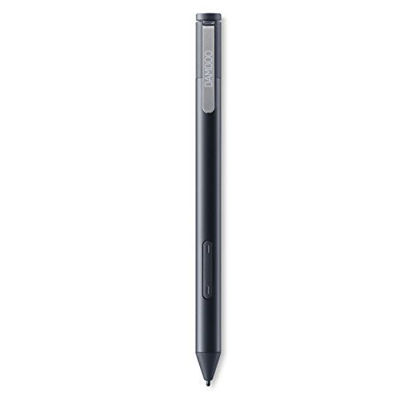
Wacom Bamboo Ink Smart Stylus Black Active Touch Pen Stylus for Windows 10 Touchscreen Input Devices Surface Pro - CS321AK
Compatible with Windows 10 pen-enabled devices (MPP/AES) | Built for Windows ink | Ergonomic triangular design and soft-touch surface | Bamboo Note app | Three different nib types - soft, medium and firm
₹8,520.57
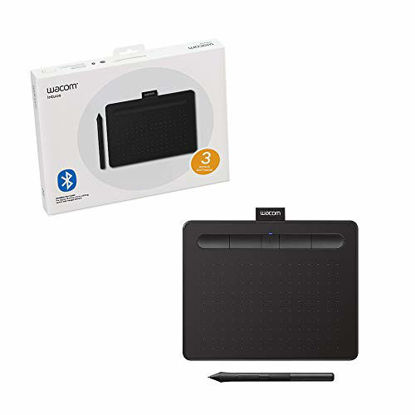
Wacom CTL4100WLK0 Intuos Wireless Graphics Drawing Tablet with Software Included, 7.9" X 6.3", Black
Drawing tablet to use in any software for digital art, photo editing and animation. With 4096 levels of pressure sensitivity, use the Wacom Intuos to easily write, edit or convey ideas to students or colleagues when web-conferencing | Connect this digital drawing tablet for computer via USB or wireless with Bluetooth to your Mac (OS X 10.11 or later) or PC (Windows 7 or later); Continuous operation time/Charging time 15 hours minimum, up to 3.5 hours (on Bluetooth models only) | Slim design and compact sized art tablet with a large drawing area (6.0 inches x 3.7 inches); Perfect for limited desktop areas and gives more room to create | Easy setup, for both left and right handed use; The pen doesn't need to be charged so you can start creating immediately; 4 customizable express keys put your favorite shortcuts at your fingertips | Bonus: Register your Intuos to receive Clip Studio Paint Pro (2-yr license), and try out Corel Painter Essentials 7 & Corel AfterShot Pro 3 (90-day trial); Must register to receive software; Offer only available for customers located in the Americas | Wacom Intuos comes with 3-month trials of EdTech software for teachers; Register your tablet to receive: Kami App, ExplainEverything, Pear Deck, Limnu & Collaboard
₹7,831.07
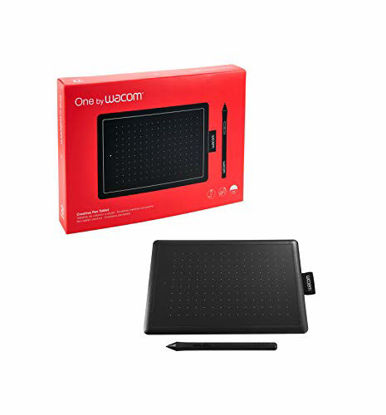
Wacom CTL472K1A One by Wacom Graphic Drawing Tablet for Beginners, Small
Perfect for kids or beginning artists, this easy to use graphic tablet is great for drawing, anime/ manga and editing photos; Replaces your mouse and turns your computer into a digital drawing canvas | Battery free, pressure sensitive pen helps you to draw thicker and thinner lines depending on how hard you push on the pen; It also battery free and requires no charging, so it's always ready whenever you want to create art | Compact and portable with an active working area of (6.0 x 3.7 inch) and can be configured for both left or right handed use with a very simple set up/installation | Wacom quality and brand you can trust, durable construction; Compatible with any program including: Adobe Photoshop, paint tool sai, illustrator, corel draw, corel painter, sketchbook, manga studio, clip studio paint, OSD and more | Compatibility: Connects to Mac (OS X 10.10 and above) or PC (Windows 7 and above) via USB cable
₹4,386.63

Wacom DTC133W0A One Digital Drawing Tablet with Screen, 13.3 Inch Graphics Display for Art and Animation Beginners
See your imagination come to life in full color on a 13.3” display with a natural surface friction that makes for intuitive drawing on screen. When working from home use the Wacom One as an extended display to efficiently annotate documents or convey ideas to students or colleagues over web-conference | Feels like a real pen – No need for batteries, the pen feels and looks right. Plus, this one pen uses software to act as multiple pens and brushes in a full range of colors, with superb accuracy | Digital freedom – Sketch or paint directly on screen, draw diagrams, annotate documents, enhance photos and videos, plus you can delete, edit and share your creations with ease | Includes creative software: Purchase and register your Wacom One and receive Bamboo Paper Pro, Clip Studio Paint Pro (3-month license), Adobe Photoshop & Lightroom (2-month license), and Adobe Fresco (6-month license) | Software offerings only available for customers located in the Americas | Wacom One comes with 3-month trials of EdTech software for teachers; Register your display to receive: Kami App, ExplainEverything, Pear Deck, Limnu & Collaboard
₹42,063.72
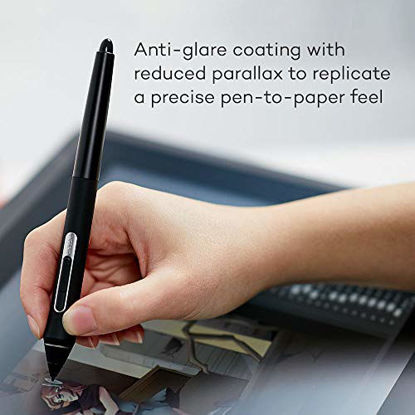
Wacom DTK1660K0A Cintiq 16 Drawing Tablet with Screen
A more affordable pen Display with Wacom Pro Pen 2 technology, 8,192 pressure levels and tilt recognition; It's amazing precision and reduced Parallax provide the most natural drawing experience | Cintiq’s 15.6 inch 1920x1080 HD displays provide you with clarity to see every detail of your work; The scratch resistant, anti-glare surface prevents distracting reflections as you create | See your creations in vibrant color on the Cintiq’s HD display (16.7 million colors bit, 72 percentage NTSC/Cie1931 typical); Work as long as you'd like with the battery free pen that charges off the screen while you create | Connect to your computer with the convenient 3 in 1 (HDMI) connection cable and get into the perfect position with foldable legs that let you adjust how you want to work; Brightness 250 CD/m2 | Warning: Manufacturer's warranty is only valid when purchased from an authorized reseller or amazon.com
₹69,528.20
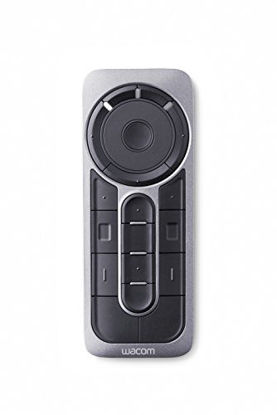
Wacom Express Key Remote for Cintiq & Intuos Pro (ACK411050)
The wireless Express key remote for Cintiq and Intuos Pro is designed for more efficiency and comfort | 17 customizable buttons | Touch Ring allows for instant one touch access to time saving shortcuts in all your favorite creative applications | Connect up to five Express key Remotes at one time, one for each of your creative software applications, to optimize your workflow
₹13,746.06
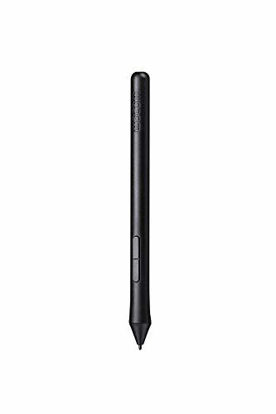
Wacom Intuos Pen (LP190K) (Pack of 1)
The Intuos Pen is compatible with Intuos Art, Comic, Draw and Photo tablets (CTH490AB, CTH490AK, CTH490CB, CTH490CK, CTH490PK, CTH690AB, CTH690AK, CTL490DB and CTL490DW) | Cordless and battery free, Programmable side switch | 1024 levels of pressure sensitivity | Not compatible with prior Intuos (CTL480, CTH480, CTH680), Intuos 3, 4, 5, Intuos Pro tablets or Cintiq products
₹7,324.68
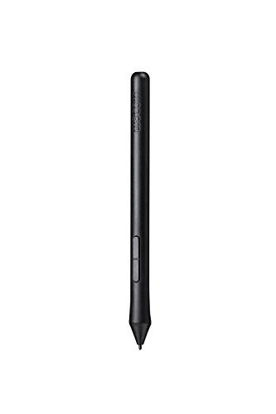
Wacom Intuos Pen LP190K (old version)
The Intuos Pen is compatible with Intuos Art, Comic, Draw and Photo tablets (CTH490AB, CTH490AK, CTH490CB, CTH490CK, CTH490PK, CTH690AB, CTH690AK, CTL490DB and CTL490DW) | Cordless and battery free, Programmable side switch | 1024 levels of pressure sensitivity | Not compatible with prior Intuos (CTL480, CTH480, CTH680), Intuos 3, 4, 5, Intuos Pro tablets or Cintiq products
₹5,712.44
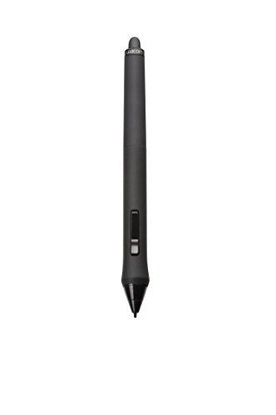
Wacom INTUOS4/CINTIQ21 Grip Pen Black, Single
Cordless, Battery-free | Features 2nd Generation Wacom Tip Sensor with the tilt sensitivity: ± 60 degrees and dimensions (L x D): 6.2” x 0.6” (157 x 15 millimeters) | 3 Standard Black Pen Nibs | Pen Stand
₹9,027.98
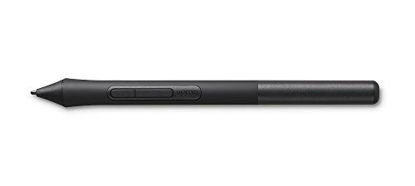
Wacom LP1100K 4K Pen for Intuos Tablet Black
The pen’s 4,096 levels of pressure sensitivity gives you more control and precision | The battery-free pen allows for light and comfortable use thanks to EMR (Electro-Magnetic Resonance) technology | 2 pen buttons for shortcuts at your fingertips
₹5,447.48
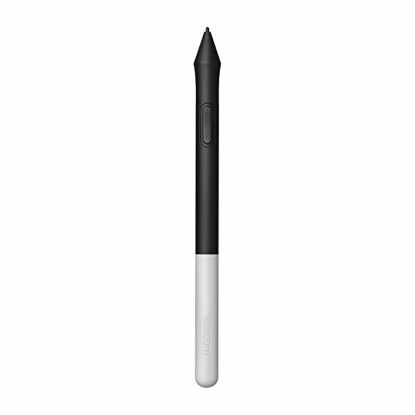
Wacom One Pen CP91300B2Z for Wacom One Creative Pen Display
Pressure sensitivity and natural tilt support for more precision and control | The cordless, battery-free pen never needs to be charged and is light and comfortable to use thanks to Wacom’s EMR (Electro-Magnetic Resonance) technology | 1 programmable pen button puts shortcuts at your fingertips | Includes 3 Wacom One Pen nibs
₹5,434.18
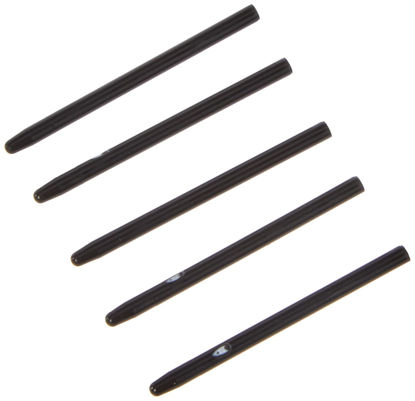
Standard Pen Nibs - Digitale Stiftspitze - Schwarz (Packung mit 5)
5 Black Replacement Nibs for your Digital Tablet | Compatible with BAMBOO & INTUOS4 SERIES (& POSSIBLY OTHERS) | Including but not limited to CTL460, CTL470, CTH460, CTH470 CTH461, CTH670, CTH661 | 75321899352 ack20101k 75318993618 ack20101w | Model Ack20001
₹843.98
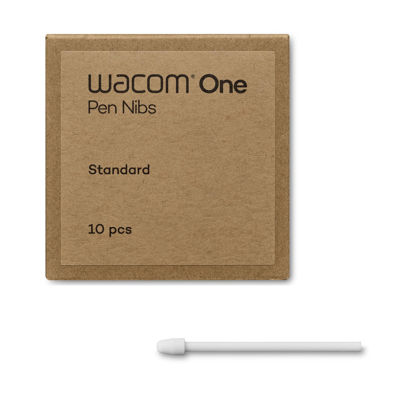
Wacom ACK24911Z Standard Lead for One Pen (10 Count)
Wacom One Pen Standard Lead (10 Pack) | Compatible models: Wacom One Standard Pen (White/Gray) CP92303B2Z | Cannot be used with Wacom One LCD Tablet Pen (CP91300B2Z)
₹3,519.12
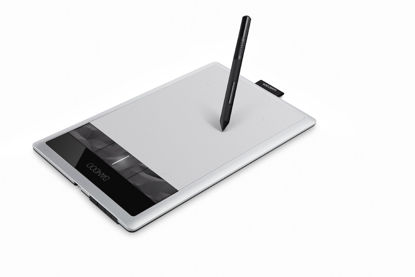
Wacom Bamboo Capture Pen and Touch Tablet (CTH470)
Edit digital photos, paint and draw with the natural feel of a pen on paper | 4 Express Keys for quick shortcuts and a pressure sensitive pen | Active Area: 5.8 inch x 3.6 inch
₹13,390.05
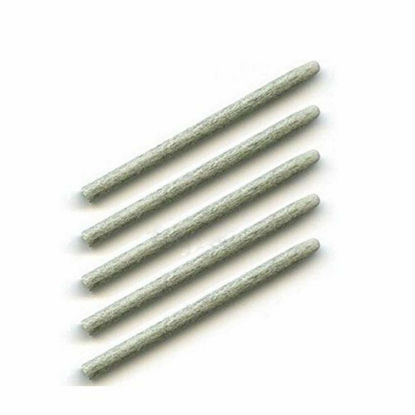
Wacom Bamboo Felt Nib Set (5 Pack) For CTL, CTH, CTE, MTE, INTUOS4
5 Hard Felt Replacement Nibs for your Digital Tablet | Gives an increased friction for more of a "pencil on paper" feel | Compatible with the whole Bamboo & Intuos Series | Pen Not Included | Model ACK20003
₹6,270.99
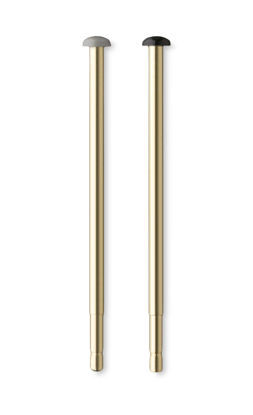
Wacom Bamboo Sketch Nibs - ACK23016
Package Dimensions: 0.508 cms (L) x 7.62 cms (W) x 9.906 cms (H) | Product Type: Computer Input Device | Package Quantity: 1 | Country Of Origin: China
₹843.98
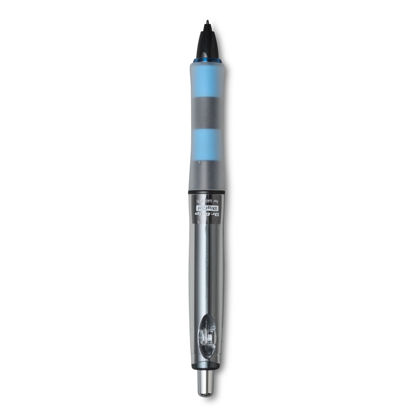
Wacom CP202A02A Pilot Dr. Grip Digital Pen for Wacom - CP202A02A (Black)
ERGONOMIC DREAM: Designed for comfort the Dr. Grp Digital Pen for Wacom will allow you to draw, write, and create for hours | BATTERY-FREE PEN: Pen never needs charging, ensuring uninterrupted creativity and productivity | PRECISION: Achieve precise and natural strokes with the 4096 levels of pressure sensitivity, tilt-response and exceptional accuracy | Compatible with Wacom One 12 (DTC121W), Wacom One 13 touch (DTH134W), Wacom One S (CTC4110WL), Wacom One M (CTC6100WL), Wacom One (DTC133W0A)
₹5,377.92
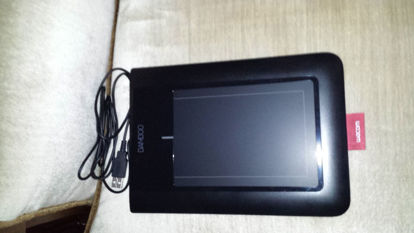
Wacom CTL460 Bamboo Pen Tablet
Two sensors for precise pen and multi-touch input | Pressure-sensitive pen tip for natural pen and brush strokes | Battery-free, ergonomic pen with two switches | Textured work surface for a pen-on-paper feel | Easy USB connection
₹9,191.66
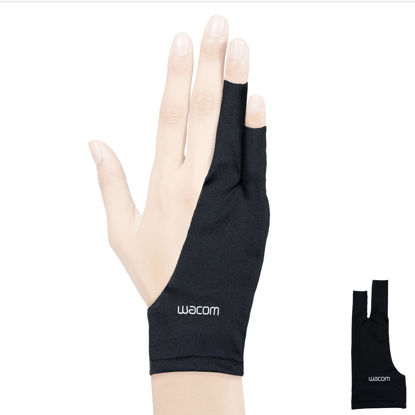
Wacom Drawing Glove, Two-Finger Artist Glove for Drawing Tablet Pen Display, 90% Recycled Material, eco-Friendly, one-Size (1 Pack), Black
Exposed fingertip design allows user to access touchscreen capabilities and type with ease on a keyboard | Glide over your screen or tablet surface with reduced friction for hours of comfort while creating; see your screen clearly with unnecessary smudges from oils or sweat on your hand | Made of 90% recycled materialsthe eco-friendly recycled polyester and spandex construction offers comfort, stretch and durability | One-size fits most, ambidextrous fit works for either right or left-handed usersand measures 7.6 in length x 3.3 in in width
₹1,355.48
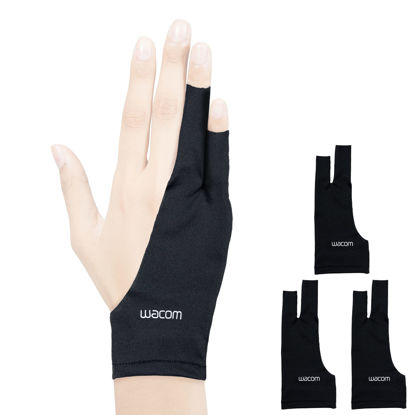
Wacom Drawing Glove, Two-Finger Artist Glove for Drawing Tablet Pen Display, 90% Recycled Material, eco-Friendly, one-Size (3 Pack), Black
Exposed fingertip design allows user to access touchscreen capabilities and type with ease on a keyboard | Glide over your screen or tablet surface with reduced friction for hours of comfort while creating; see your screen clearly with unnecessary smudges from oils or sweat on your hand | Made of 90% recycled materials the eco-friendly recycled polyester and spandex construction offers comfort, stretch and durability | One-size fits most, ambidextrous fit works for either right or left-handed users and measures 7.6 in long x 3.3 in wide
₹2,378.48
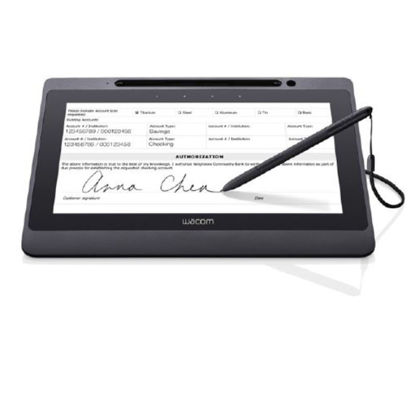
Wacom DTU-1141B 10.1" Full HD Interactive Pen Display
DTU-1141B 10.1" Full HD Interactive Pen Display - Cordless Battery Free Pen - Pen Tether - USB Cable - 5x Extra Pen Nibs - Nib Removal Tool - 4x VESA Mounting Screws - USB Plug Attachment - IPI - Wacom 3 Year Limited Warranty | 10.1" LCD boasts full color, full HD resolution (1920x1080) and wide viewing angle | Patented, cordless, battery-free pen with 1024 levels of pressure sensitivity for premium signing/writing experience | Single USB cable installation. USB cable supplies video, power and USB data | State-of-the-art encryption to ensure secure transactions
₹44,768.53
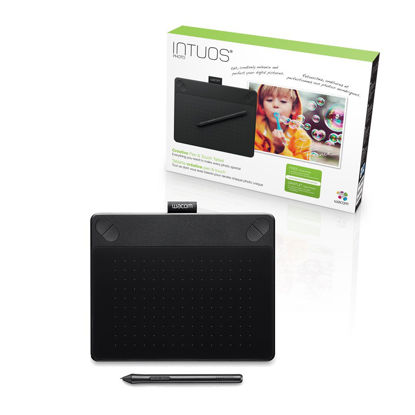
Wacom Intuos Photo Pen and Touch (Old Version)
Pen and tablet for digital art | Four customizable ExpressKeys | Compact size, 8.25 by 6.7 inches | Comes with a free Photo Pack including: Online tutorials, a Horizon Canvas Print and photo editing software for Mac: Corel AfterShot Pro and Macphun Pro package: Tonality, Intensify, Snapheal, Noiseless. For Windows: Corel PaintShop Pro and Corel AfterShot Pro
₹14,996.16
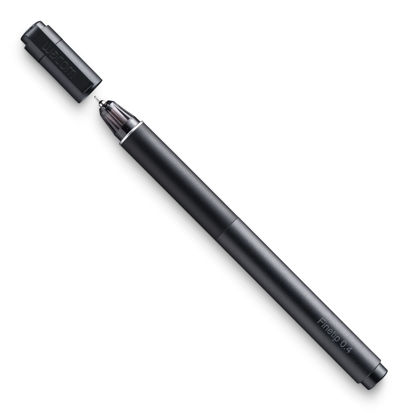
Wacom KP13200D Fine tip Pen
Package Dimensions: 22.0 H x 4.0 L x 8.0 W (centimetres) | Comes with 3 replacement nib fills | Package Weight: 0.2 kilograms | Country of Origin : China
₹7,497.57
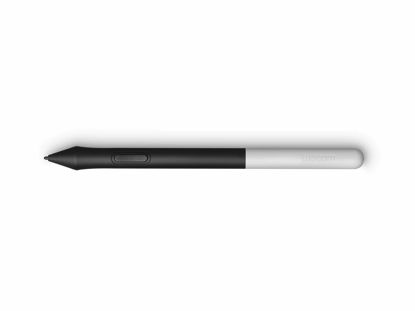
Wacom Nibs DTC133 Extra Tips CP91300B2Z
Wacom Digital Pen | Allows you to adjust or sign documents and take notes just like you would with pen and paper | With the pen you can sketch, draw and paint directly on the screen | International products have separate terms, are sold from abroad and may differ from local products, including fit, age ratings, and language of product, labeling or instructions.
₹6,270.99
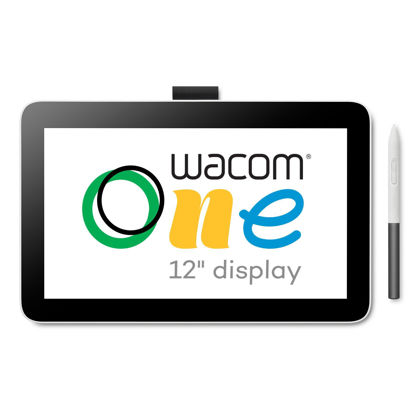
Wacom One 12 Drawing Tablet with Screen (2023), Full-Laminated 11.6” HD Screen Graphics Monitor, Works with Mac, PC & Chromebook for Drawing, Photo/Video Editing, Design, & Education
BEAUTIFUL DISPLAY: Whether sketching or brainstorming, see it all come to life in a full color spectrum on this 11.6" HD fully-laminated anti-glare display designed for drawing, editing photos or visual communication | BEST IN CLASS PERFORMANCE: Enjoy superior control and precision with Wacom’s EMR, battery-free pen technology - that feels as natural as drawing on paper | SOFTWARE AND TRAINING: Register your Wacom One and gain access to the Wacom Adventure Program including creative, education and productivity software; online training; and ongoing inspiration to help you get the most from your display | SAVE TIME: Shortcut buttons on the pen that can be customized for your favorite keyboard shortcuts like undo or copy/paste, helping you stay immersed in your art | COMPATIBILITY: PC (Win 10 plus ), Mac (OS 11 plus ), Chromebook (latest Chrome OS) and Android smartphones/tablets (OS version 8.0 plus ); connect via USB-C (some devices require second USB-C plus power adapter or connection with HDMI 3-in-1 cable sold separately)
₹32,035.25
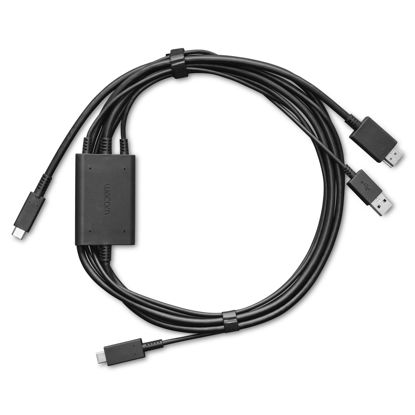
Wacom One 3 in 1 Cable for Wacom One 12 and 13 Touch,Black
Wacom One 3 in 1 Cable created specifically for the Wacom One 12 and Wacom One 13 touch | COMPATABILITY: Wacom One Display 12, Wacom One Display 13 Touch
₹7,493.48
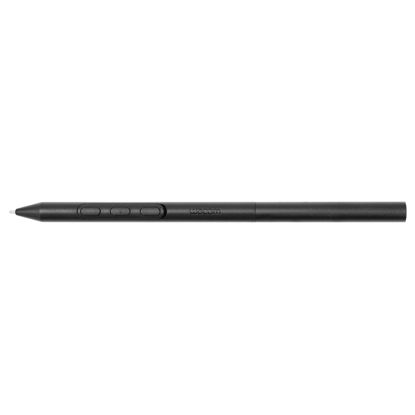
Wacom Pro Pen 3
Pen for Wacom Cintiq Pro 27 (DTH271K0D:4949268305945) | Electromagnetic induction system battery-less pen We can customize your own personality | Product Composition: Wacom Pro Pen 3 (balance weight included), Pen Customize Part, 5 Standard Leads, Corer | *Pen customized parts: straight grip, flare grip, button plate (thin, no side switch), button plate (thick, 3 side switches), button plate (thicker, no side switch), button plate (thicker, no side switch)
₹10,499.05
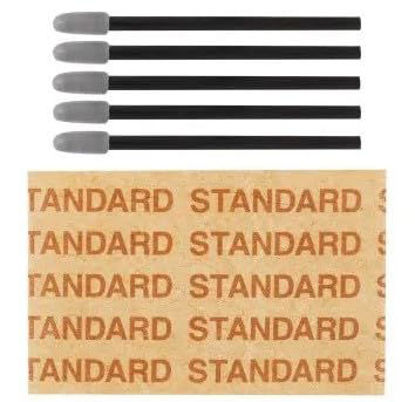
Wacom Pro Pen 3 Standard Nibs ACK24801Z (5 Pack)
5 Wacom Pro Pen 3 (ACP50000DZ) replacement nibs | Compatible with Wacom Pro Pen 3 (ACP50000DZ)
₹1,866.98
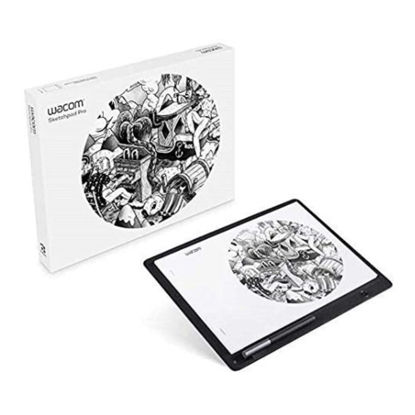
Wacom Sketchpad Pro Graphic Pen Drawing Tablet Similar Intuous Pro Genuine Leather, Software Included, Compatible with Windows, Mac OS, AppleiOS, Android, AMAZON EXCLUSIVE - Built for Professionals
AUTOMATICALLY DIGITIZE YOUR SKETCHES: Perfect for artists who already have a Wacom device (Intuos 5/Intuos Pro, Cintiq, Cintiq Companion) and are looking for a mobile sketching tool for their workflow which automatically digitizes their sketches | BUILT FOR MOBILITY: Sketch and draw anywhere using included Finetip Pen or optional Ballpoint Pen (very mobile). Lightweight and easy to use and easy to carry in briefcase or backpack. | SHARE YOUR ART: Share art on SoMe sites, text or email or finish art using creative software on a computer (Mac or PC) with a Wacom device (Wacom Intuos Pro tablet or Cintiq display) | LOADED WITH INKSPACE SOFTWARE: Captures drawings in raster or vector formats using Inkspace software. Includes the Inkspace app, and Inkspace Basic (free) with Wacom ID. | IMPORTANT SPECS: Includes Wacom Finetip Pen (gel ink) preferred by artists. Active area is size of A4 paper. Captures drawings in raster or vector formats using Inkspace software. Compatible with Windows, Mac OS, AppleiOS, Android.
₹15,671.34
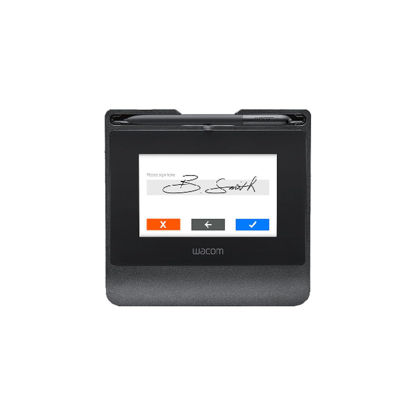
Wacom STU-540 5" Color Signature Pad
Low Maintenance | Biometrically Accurate Signatures | High Durability and a Natural, Paper-like Feel | Secure Transactions | Support for Virtualized Environments
₹35,968.68
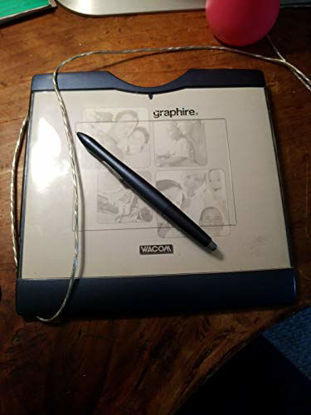
Wacom Tablet Model: Cte-430
4x6 tablet, Grasphire pen with side switch, Graphire cordless mouse button, pen tablet driver cd, & software bundle. cd
₹7,631.58
About us

Shop From Catalogue Of USA Bestsellers
Many times, we want to purchase products from USA simply because they are not available in India or the cost might be high. Generally, we think that the process of delivering the products from USA to India would be very expensive and complicated. But, now, you won't be disappointed, GetUSCart is here for you. Here, you can shop from catalogue of USA bestsellers.
Fast Shipping From USA To India - 7 To 10 Working Days
Are you in thought of shipping USA products to India will take much time? If your answer is yes, it’s absolutely not correct. GetUSCart is behind you to provide fast shipping from USA to India - 7 to 10 working days. GetUSCart is behind you to provide fast shipping from USA to India - 7 to 10 working days. Shop with GetUSCart and get shipped all your favorite products quickly from USA to India.


Low Shipping Cost From USA To India
You don't think about the shipping cost when you are buying USA products at GetUSCart. Literally, you will surprise when you see the shipping price on your ordered products. You can save more money with our low shipping cost from USA to India. Get all our products including beauty & personal care products, office products, toys, electronics and many others with less shipping charges.
No Hassles Of Custom Clearance In India
When items ship from USA to India, they have to go through customs before they will be released for final delivery. So, GetUSCart is responsible for all this custom clearance procedure for our products. We will pay custom duties, fees, taxes and etc. GetUSCart delivers your product without any issues regarding custom clearance.


Get Delivered Your Favourite Product From USA To Doorsteps In India
If you like the United States products, shop at GetUSCart whatever you need. And, get it delivered from USA to your own home in India with no stress. Simply place an order of your favorite products through our GetUSCart website or app. We will ship and deliver them from USA to India.
Don't Find A Product In Our Catalogue. Request A Product Now!
Find products whatever you want in our catalogue. We have various categories of products such as Electronics, Clothing, Shoes & Jewelry, Arts, Crafts & Sewing, Office Products, Toys & Games, Baby Products, Devices & Accessories, Kitchen & Dining, Cameras, Patio, Lawn & Garden, Musical Instruments, Beauty & Personal Care, etc. If you didn’t find your favorite product, you can request us by entering that product details.

K M Enterprises
Suite 311, AKM Dharma Rao Signature
Madinaguda, Hyderabad - 500049
email: [email protected]
All major credit, debit cards, net banking, wallets accepted securely
